
Blog
How Adding Products to Your Google Business Profile Can Drive More Calls (and Better Leads)
By Jono Slade · Published December 30, 2025 · Updated July 10, 2026
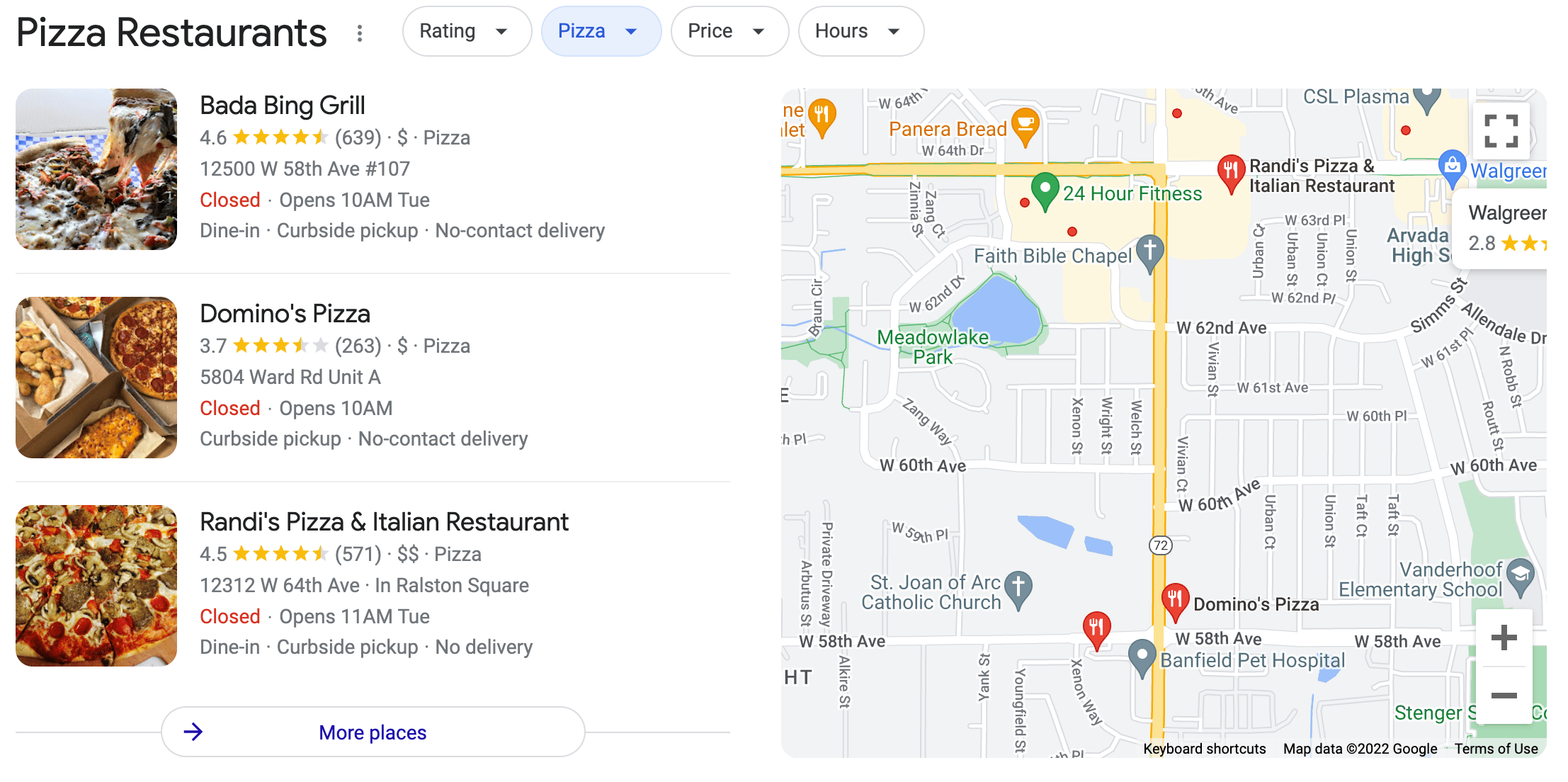
If you run a local service business, your Google Business Profile does a lot of heavy lifting for you. Reviews matter. Your website matters. But there’s one feature many businesses skip that can quietly improve call quality and conversions from Google Maps: Products.
This guide explains what Google Business Profile Products are, why they help, and how to add them correctly. There’s also a copy-and-paste AI prompt at the end you can use to generate your own.
What Are Google Business Profile Products?
Products let you list individual services directly inside your Google Business Profile. They show up when someone views your business in Google Maps or local search.
Each product includes:
- A service name
- A category
- A price
- A short description
- A call to action
For local service businesses, Products are not about selling online. They’re about helping customers understand what you offer before they call.
Why Products Help You Get Better Calls
Products do three simple but important things.
They make your services clear
Many business profiles are vague. Products force you to clearly explain what you actually do. This works best when your services are also configured properly.
They filter out bad leads
When someone clicks a Product, they already understand what the service is, whether it sounds like a fit, and roughly what it costs. That usually leads to better conversations and fewer wasted calls.
They support your Google Maps visibility
Products alone won’t magically rank your business. But combined with proper services, strong reviews, consistent categories, and a solid website, they help reinforce relevance and trust. If reviews are part of your growth plan, Products pair well with a review strategy.
How Many Products Should You Add?
Keep it simple. For most local service businesses:
- Add 5 to 7 products
- Use 3 to 5 categories total
- One service per product
Good examples:
- Google Maps Optimization
- Local SEO
- Website Design
- Website Maintenance and Security
- Review Generation
- Consulting or Automation (if applicable)
Don’t bundle multiple services into one product.
Pricing Rules That Matter
This is where most people get stuck. Google only allows numbers in the price field. That means:
- No dollar signs
- No words
- No “starting at”
- No “per month”
What to do instead
- Enter a low starting number like 297, 497, or 1500
- Explain pricing details inside the description
This avoids errors and keeps your products live.
Products vs Services
You should use both. Services help Google understand what your business does. Products help customers decide if they should contact you. They work best together.
Watch the Step-by-Step Video
Prefer to follow along visually? This full walkthrough video shows exactly how to add Products to your Google Business Profile, including categories, pricing rules, and common mistakes to avoid.
Copy-and-Paste AI Prompt to Create Your Products
You don’t need to write these from scratch. Use the prompt below in ChatGPT or another AI tool to generate Google-ready products. Just replace the bracketed text with your information.
You are a local SEO expert helping a local service business create Google Business Profile Products.

Business name: [Business Name]
Industry: [Plumbing, Fence Contractor, Tree Care, HVAC, etc.]
Primary service area: [City, State]
Target customer: [Residential, Commercial, or Both]

Create 5 to 7 Google Business Profile Products.

For each product, include:
- Product name (3 to 5 words)
- Product category (use common categories only)
- Price (numbers only)
- Description (2 short paragraphs, plain language)
- What's included (4 to 6 bullet points)
- Call to action (Learn More, Get Offer, Book Consultation, or Call Now)

Rules:
- One service per product
- Do not bundle services
- Price field must contain numbers only
- Explain "starting at" pricing inside the description
- No emojis, no sales hype, no guarantees
- Output must be ready to paste into Google Business Profile
Once generated, review each product and adjust the pricing numbers and wording to match your business.
How Slade Insights Helps
At Slade Insights, we don’t treat Products as a checkbox. They’re aligned with your services, your pricing reality, your website, and your overall Google Business Profile strategy. If you want help setting this up correctly, or if reviews are the missing piece, reach out.
Google Business Profile Products aren’t complicated. Set up correctly, they make your services clearer, improve call quality, and support stronger Google Maps performance. Small changes that make your profile work harder for you.
Ready to Stop Spinning Your Wheels?
You don't need to figure out SEO, reviews, or automation on your own. Let's build a digital foundation that attracts high-quality leads and turns them into paying customers.
Book Your Free Strategy Call →