
If you run a local service business, your Google Business Profile does a lot of heavy lifting for you.
Reviews matter.
Your website matters.
But there is one feature many businesses skip that can quietly improve call quality and conversions from Google Maps.
That feature is Products.
This guide explains what Google Business Profile Products are, why they help, and how to add them correctly. There is also a copy-and-paste AI prompt at the end that you can use to generate your own products.
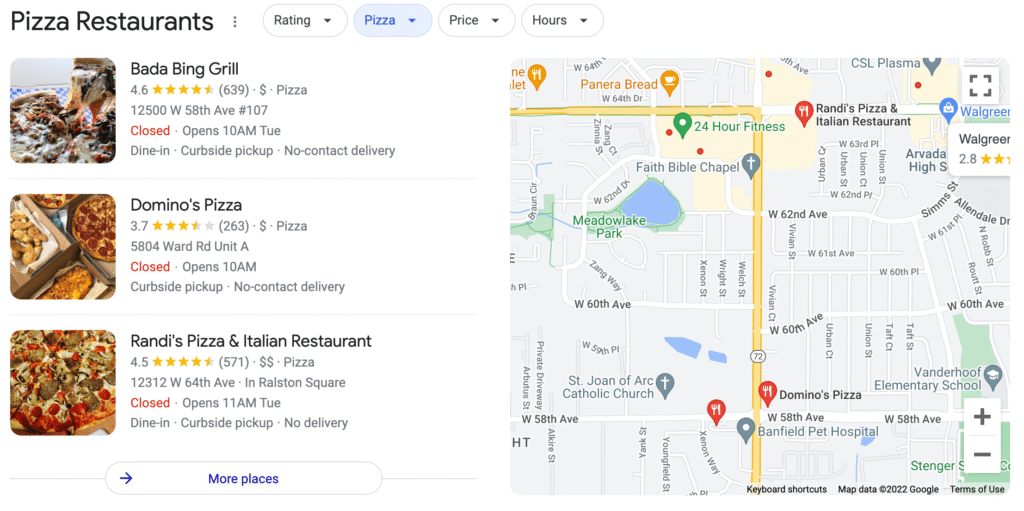
What Are Google Business Profile Products?
Products let you list individual services directly inside your Google Business Profile.
They show up when someone views your business in Google Maps or local search.
Each product includes:
- A service name
- A category
- A price
- A short description
- A call to action
For local service businesses, Products are not about selling online.
They are about helping customers understand what you offer before they call.
Why Products Help You Get Better Calls
Products do three simple but important things.
They make your services clear
Many business profiles are vague. Products force you to clearly explain what you actually do.
This works best when your services are also configured properly:
https://sladeinsights.com/optimize-google-business-profile-services/
They filter out bad leads
When someone clicks a Product, they already understand:
- What the service is
- Whether it sounds like a fit
- Rough price expectations
That usually leads to better conversations and fewer wasted calls.
They support your Google Maps visibility
Products alone will not magically rank your business.
But when combined with:
- Proper services
- Strong reviews
- Consistent categories
- A solid website
They help reinforce relevance and trust.
If reviews are part of your growth plan, Products pair well with a review strategy:
https://sladeinsights.com/get-more-google-reviews/
How Many Products Should You Add?
Keep it simple.
For most local service businesses:
- Add 5 to 7 products
- Use 3 to 5 categories total
- One service per product
Good examples:
- Google Maps Optimization
- Local SEO
- Website Design
- Website Maintenance and Security
- Review Generation
- Consulting or Automation (if applicable)
Do not bundle multiple services into one product.
Pricing Rules That Matter
This is where most people get stuck.
Google only allows numbers in the price field.
That means:
- No dollar signs
- No words
- No “starting at”
- No “per month”
What to do instead
- Enter a low starting number like 297, 497, or 1500
- Explain pricing details inside the description
This avoids errors and keeps your products live.
Products vs Services
You should use both.
- Services help Google understand what your business does
- Products help customers decide if they should contact you
They work best together.
Watch the Step-by-Step Video
Prefer to follow along visually?
I recorded a full walkthrough showing exactly how to add Products to your Google Business Profile, including categories, pricing rules, and common mistakes to avoid.
This video pairs with the guide below and shows the setup inside Google step by step.
Copy and Paste AI Prompt to Create Your Products
You do not need to write these from scratch.
You can use the prompt below in ChatGPT or another AI tool to generate Google-ready products. Just replace the bracketed text with your information.
You are a local SEO expert helping a local service business create Google Business Profile Products.

Business name: [Business Name]
Industry: [Plumbing, Fence Contractor, Tree Care, HVAC, etc.]
Primary service area: [City, State]
Target customer: [Residential, Commercial, or Both]

Create 5 to 7 Google Business Profile Products.

For each product, include:
- Product name (3 to 5 words)
- Product category (use common categories only)
- Price (numbers only)
- Description (2 short paragraphs, plain language)
- What’s included (4 to 6 bullet points)
- Call to action (Learn More, Get Offer, Book Consultation, or Call Now)

Rules:
- One service per product
- Do not bundle services
- Price field must contain numbers only
- Explain “starting at” pricing inside the description
- No emojis, no sales hype, no guarantees
- Output must be ready to paste into Google Business Profile
Once generated, review each product and adjust pricing numbers and wording to match your business.
How Slade Insights Helps
At Slade Insights, we do not treat Products as a checkbox.
They are aligned with:
- Your services
- Your pricing reality
- Your website
- Your overall Google Business Profile strategy
If you want help setting this up correctly:
https://sladeinsights.com/optimize-google-business-profile-services/
If reviews are the missing piece:
https://sladeinsights.com/get-more-google-reviews/
Simple Takeaway
Google Business Profile Products are not complicated.
When set up correctly, they:
- Make your services clearer
- Improve call quality
- Support stronger Google Maps performance
They are small changes that can make your profile work harder for you.

0 Comments